

As a SaaS link building agency, we’ve tried lots of different link building tools over the years.
So, it’s safe to say that we’ve got a pretty good sense of what a good link prospecting tool looks like.
In this guide, we’ve rounded up some of the best link prospecting tools that we’d recommend for those of you who want to earn more high-quality backlinks in 2026.
Key Takeaways
- Choose ListBrew if you want to find and secure placements on the listicles, roundups, and buying guides that AI engines already cite.
- Pick Pitchbox if you want to run a full link building campaign, from prospecting and contact discovery to outreach, follow-ups, and reporting.
- Use Ahrefs if you want to find link opportunities by seeing which sites and pages already link to your competitors.
- Go with Hunter when you’re starting from a domain and need to find and verify email addresses for your prospects.
- Consider Skrapp.io if you need to look up contacts in bulk from a list of domains.
- Choose ContactOut if you’re researching individual journalists and editors on LinkedIn and want to turn their profiles into outreach contacts.
How We Built This List
For link building, we don’t rely on a single tool. Instead, we’re using different types of tools for different jobs:
- All-in-one outreach tools like ListBrew and Pitchbox for discovery, prospecting, and outreach.
- Backlink analysis tools like Ahrefs to find more link opportunities the outreach tools might miss (e.g. uncovering domains already linking to our competitors).
- Contact finders and email verification tools like Hunter and Apollo to identify the right person to pitch and check whether their email address is valid.
Because these tools solve different parts of the link building process, we didn’t judge them all against exactly the same criteria.
Instead, we looked at how well each tool performs its core job, the quality of the data it provides, how easy it is to filter and prioritize prospects, and whether the pricing makes sense for the audience it serves.
We’ve then grouped the tools by category and use case, so you can quickly find the ones that fit the gaps in your current link building workflow.
The Best Link Prospecting Tools in 2026
We’ve only included tools we have some first-hand experience with.
That means platforms we’ve used as part of our own link building work, alongside newer partner tools that we’ve tested ourselves before including them here.
| Tool | Category | Use Case | Pricing |
| ListBrew | Link prospecting & outreach | Finding and securing placements on AI-cited pages | Free; paid plans from $49/month |
| Pitchbox | Link prospecting & outreach | Managing large-scale link building campaigns | From $300/month |
| Ahrefs | Competitor backlink analysis | Finding backlink opportunities through competitor research | Starter from $29/month; Lite from $129/month |
| Skrapp.io | Contact finder | Bulk email lookup and verification from domain lists | Free; Professional plans from $39/month |
| Hunter | Contact finder | Finding and verifying email addresses | Free; paid plans from $49/month |
| ContactOut | Contact finder | Extracting email addresses from LinkedIn profiles | Free; paid plans from $49/month |
ListBrew
- Use case: Finding and securing placements on AI-cited listicles and buying guides
- Pricing: Free plan with one-time 50 credits; paid plans between $49/month and $199/month
ListBrew is a tool we developed here at Position Digital to help our outreach team find prospects and secure backlinks for our clients.
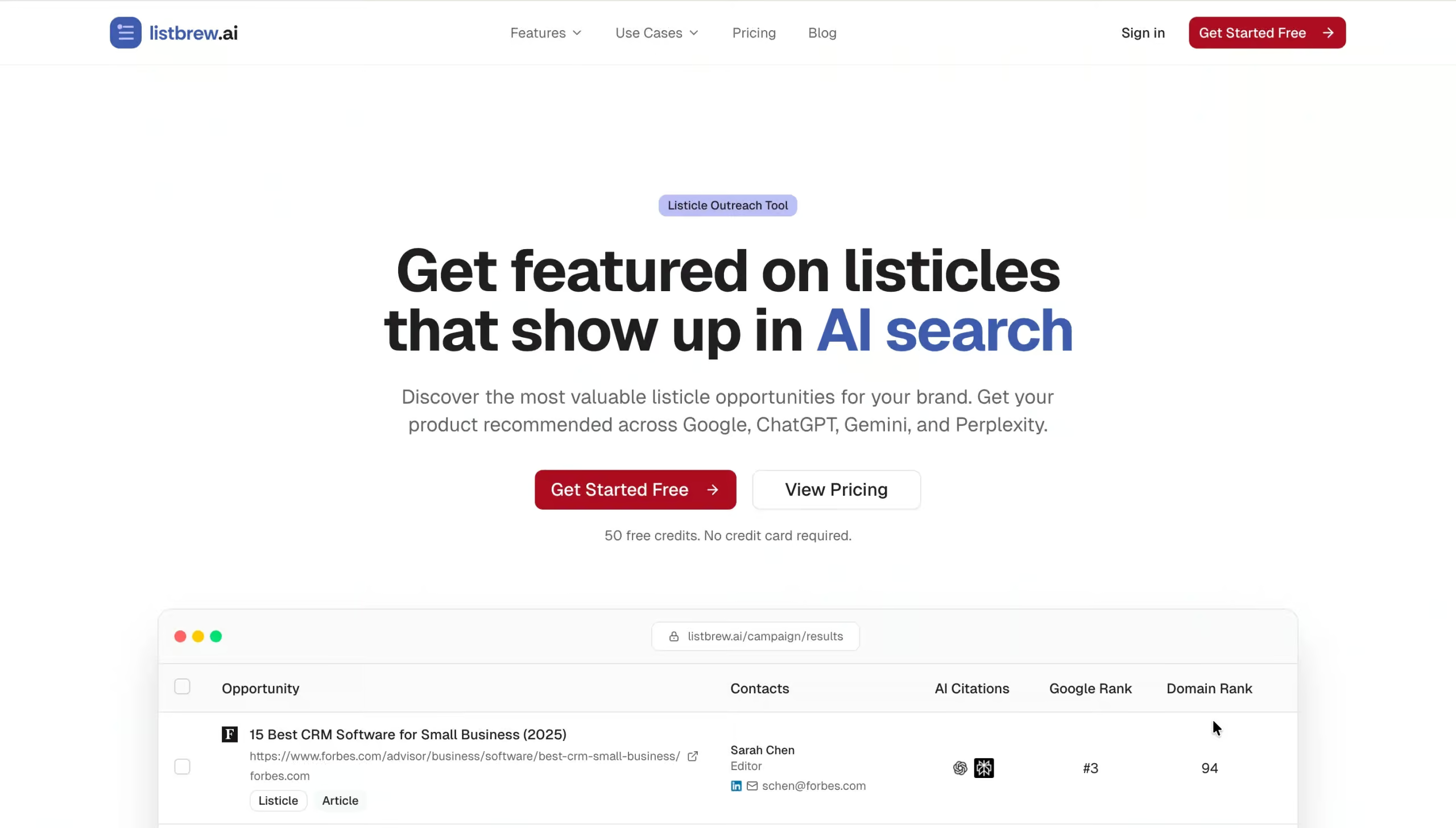
It’s an AI citation outreach tool that helps you find and secure placements on relevant listicles, roundups, comparison pages, and blog posts already being cited by AI engines in your category.
Simply enter your brand details and target keywords. ListBrew will then scan Google SERPs alongside ChatGPT, Gemini, and Perplexity responses to give you a list of AI citation opportunities.
From there, you can use its bulk contact finder, AI-powered email personalization, and outreach tools to find the right contacts and send tailored pitches to each opportunity.
Key features:
- Listicle discovery. Find listicles, roundups, comparison pages, and alternatives articles already ranking in Google and being cited by major AI platforms in your industry.
- Prospect filtering. Prioritize opportunities using metrics such as domain strength, traffic, content type, and AI visibility status.
- Integrated contact finder. Find relevant writers and editors for each target domain, including names, email addresses, and LinkedIn profiles, using integrations with Hunter.io and Apollo. You can also add contacts manually.
- Built-in outreach. Turn prospects into placements without leaving the platform. Use AI to create personalized pitches, send emails at scale, and track opens, replies, and conversions from a single dashboard.
Drawback
ListBrew is still a new tool, so some features aren’t fully developed yet.
Pitchbox
- Use case: Managing the full link building campaign, from prospecting and contact discovery to outreach
- Pricing: Plans start at $300/month, or $210/month when billed annually
Pitchbox was our main link building tool before we developed ListBrew. And there’s a reason we stuck with it for so long: it has pretty much everything we ever needed to run link building campaigns from start to finish.
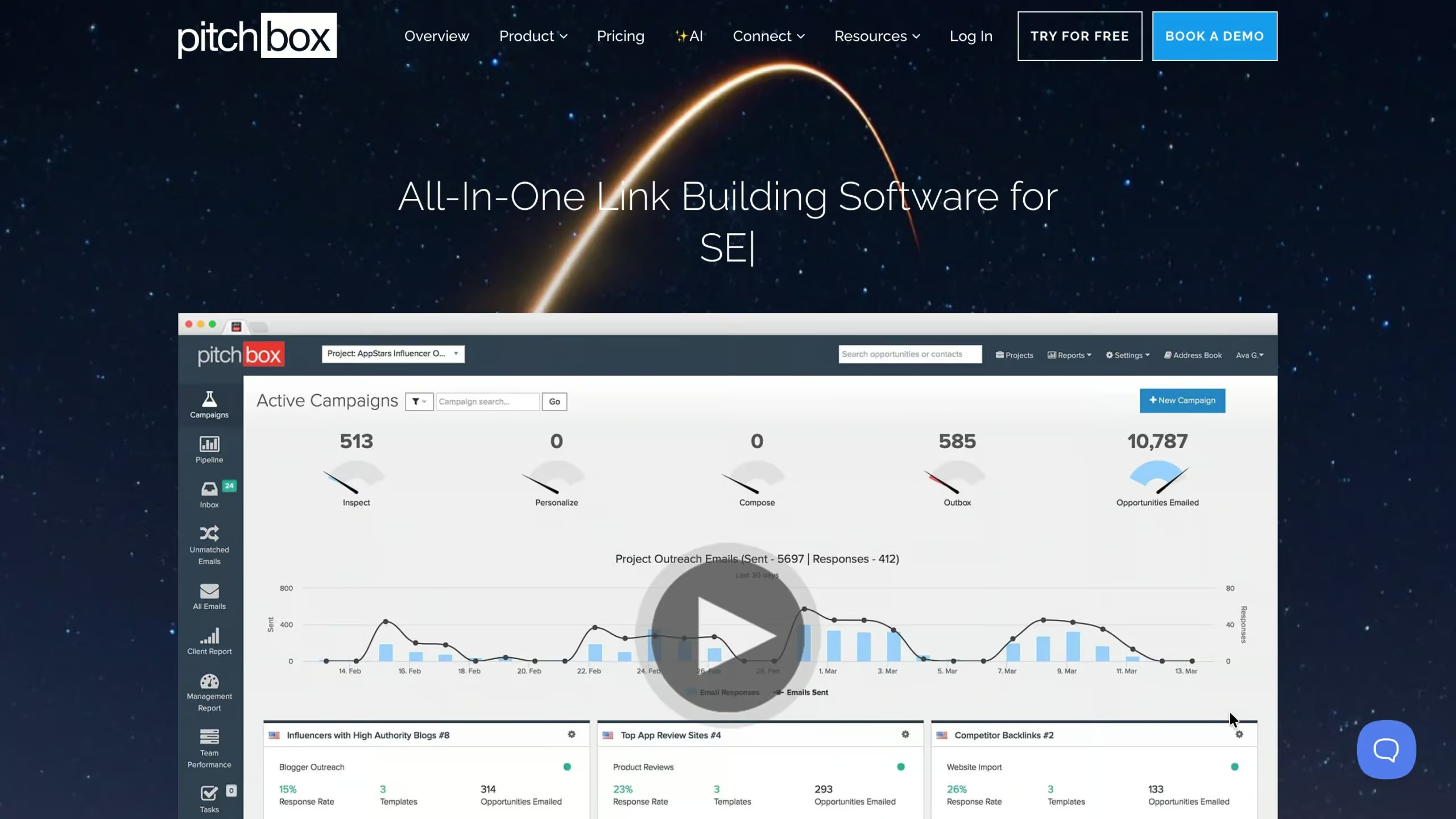
You can use Pitchbox to find prospects, prioritize based on SEO metrics, discover and verify contact details, personalize outreach, send automated follow-ups, manage replies, monitor links, and report on campaign performance.
It also integrates with tools including Ahrefs, Semrush, Majestic, and Moz if you want to bring your existing SEO data into the platform.
Key features:
- Link prospecting. Build prospect lists using keyword searches, competitor backlinks, resource pages, broken link opportunities, guest post searches, and other prospecting methods.
- Contact discovery. Find and verify contact details for people associated with each prospect rather than manually hunting through websites.
- Outreach and follow-ups. Create personalized email sequences, set follow-up intervals, and manage outreach across multiple campaigns and email accounts.
- Campaign management. Keep conversations, notes, prospect information, link data, and campaign activity together instead of managing everything across inboxes and spreadsheets.
Drawback
The main downside for us is the user interface. Pitchbox can do a lot, but that also means there’s a lot going on. It takes some time to learn where everything lives, and certain workflows can feel more complicated than they need to be.
Ahrefs
- Use case: Finding backlink opportunities by analyzing competitor link profiles
- Pricing: Starter plan from $29/month; Lite plans from $129/month
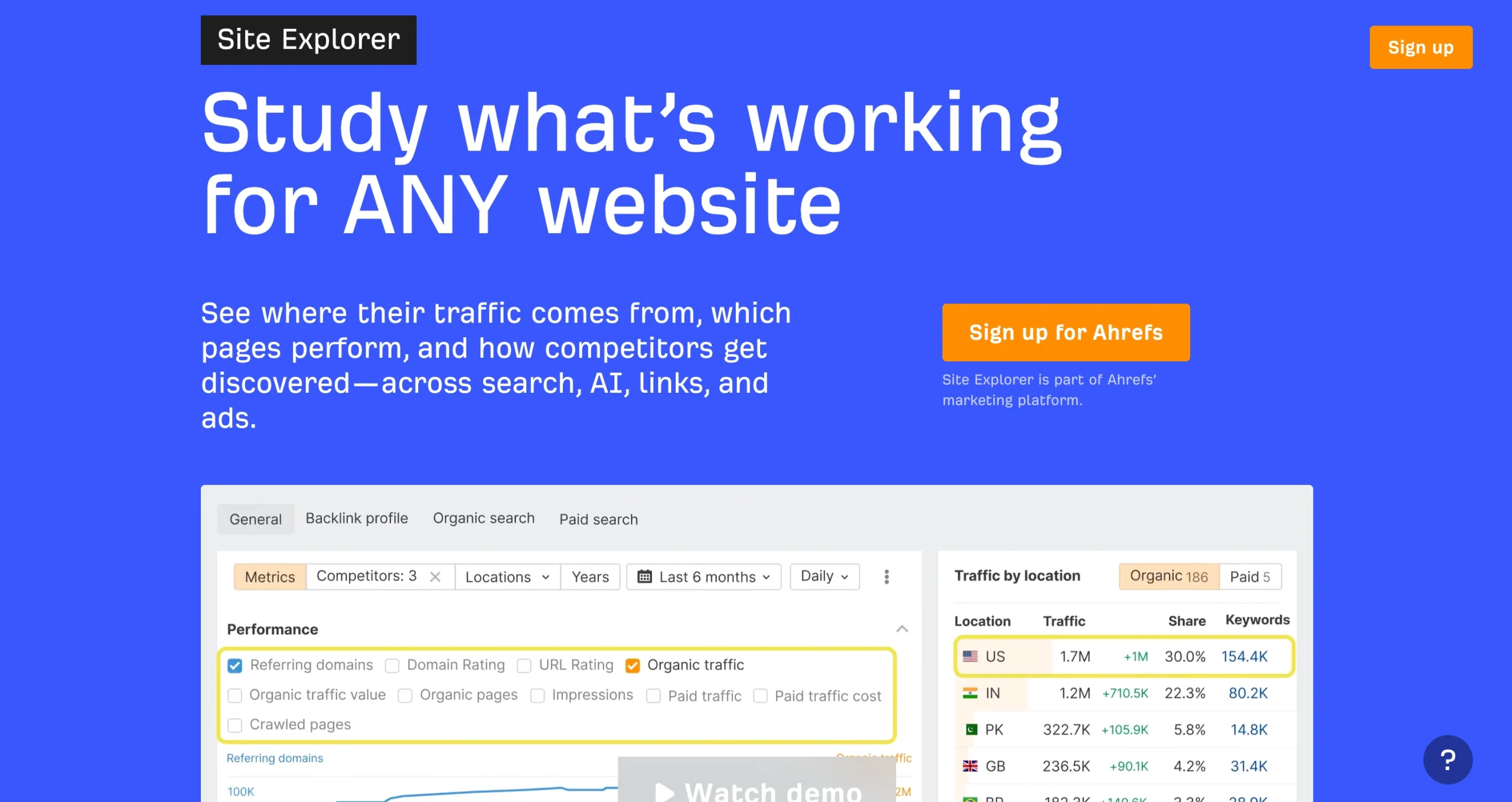
Ahrefs isn’t really a specialist link prospecting tool, but it has a very useful feature for our outreach process: Site Explorer. It allows us to find linking opportunities by analyzing our competitors’ backlink profile.
Enter a competitor into Site Explorer and you can see the websites and individual pages linking to them.
From there, you can filter the results to find relevant prospects, check metrics such as Domain Rating and estimated traffic, and look for websites that repeatedly link to businesses in your space.
Key features:
- Competitor backlink analysis. See the backlinks and referring domains pointing to competing websites, individual URLs, or sections of a site.
- Prospect filtering. Narrow results by attributes such as dofollow status, traffic, Domain Rating, platform, and other link metrics to separate useful prospects from noise.
- New and lost backlink tracking. See when competitors gain or lose links, which can help uncover recently active link opportunities.
- Historical backlink data. Higher-tier plans give you access to historical data, making it easier to understand how a competitor’s backlink profile has developed over time.
Drawback
It’s an SEO platform rather than a dedicated outreach tool, so you’ll still need another tool to find contacts and send pitches.
Skrapp.io
- Use case: Searching for and verifying email addresses in bulk from domain lists built with Ahrefs and similar tools, as well as individual contact searches by name, domain, or LinkedIn.
- Pricing: Free plan available with 50 credits; Professional plans start at $39/month; Enterprise plans start at $349/month. Credit limits can be increased on paid plans.
Skrapp is a tool that helps link builders and SEO outreach teams build verified contact lists for prospecting.
It offers a bulk email lookup feature that allows you to quickly find thousands of editorial contacts by uploading a list of domains or searching for specific SEO roles on LinkedIn.
Simply provide a list of domains, launch the search, and within minutes you’ll receive an enriched contact list with verification statuses, names, and job titles.
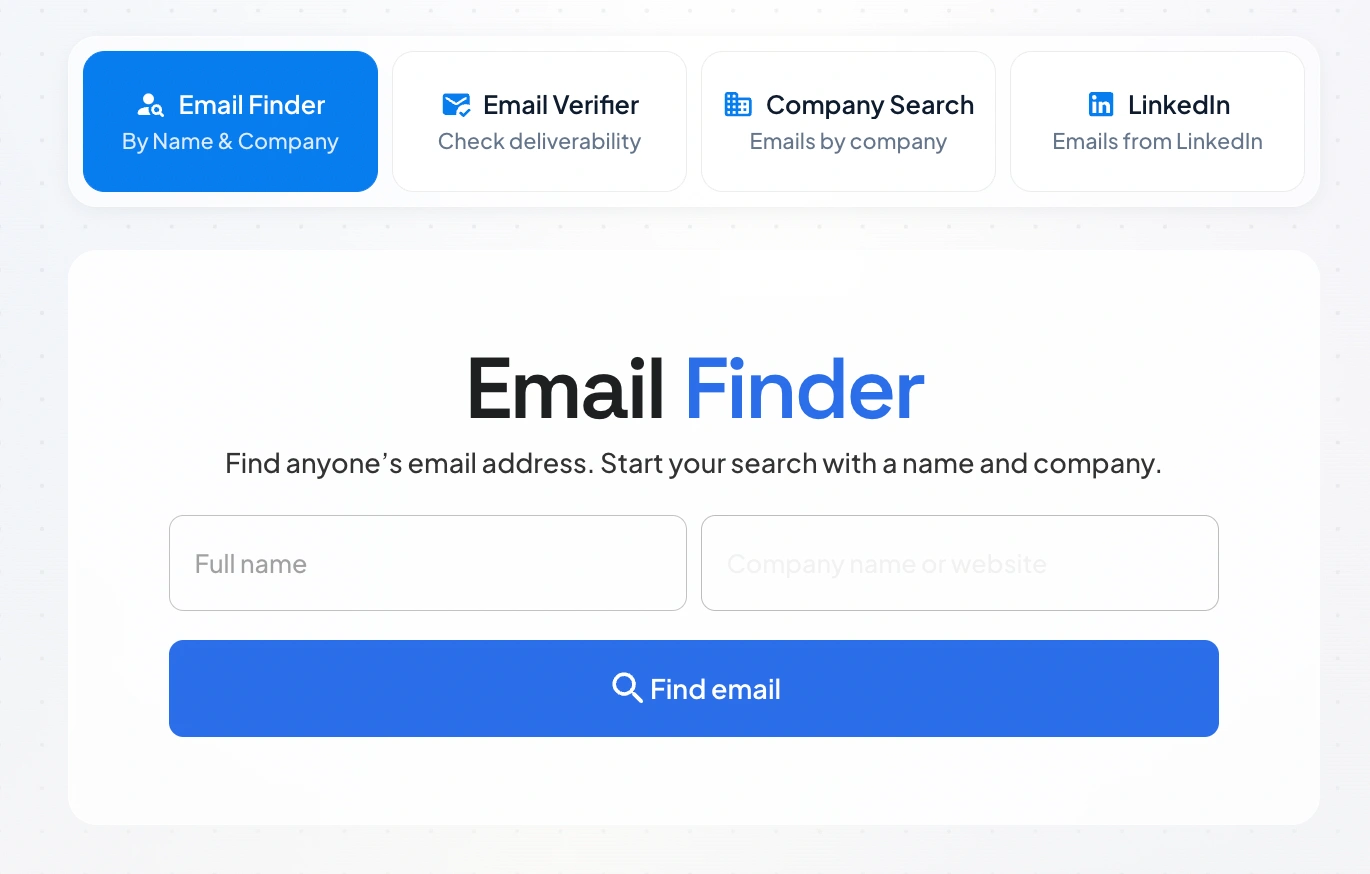
Skrapp not only offers a bulk search feature but also a Chrome extension that allows you to find email addresses one by one from domains and LinkedIn. This can be useful when you need a more personalized approach to outreach.
Key features:
- LinkedIn and Sales Navigator Email Finder. Use Skrapp’s Chrome extension to find verified business email addresses directly from LinkedIn profiles, search results, and Sales Navigator, then save prospects to lists for outreach.
- Email Finder and Lead Finder. Search for individual contacts using their name and company, or use Skrapp’s lead database to find prospects by criteria such as job title, company size, industry, and location.
- Email verification. Skrapp automatically verifies email addresses returned through its finder tools and categorizes them by verification status, helping you filter out invalid addresses before outreach.
- Bulk enrichment. Upload existing prospect lists to find verified emails and enrich them with information such as job title, seniority, department, and company data. Results can then be exported to CSV or synced with supported CRMs.
Drawback
Skrapp is primarily a contact-finding and enrichment tool rather than a complete link building platform.
It doesn’t include built-in outreach sequences, so you’ll need another tool to send and manage your pitches once you’ve found the right contacts.
Hunter
- Use case: Finding and verifying contact details for link prospects
- Pricing: Free plan available; paid plans from $49/month, or $34/month when billed annually
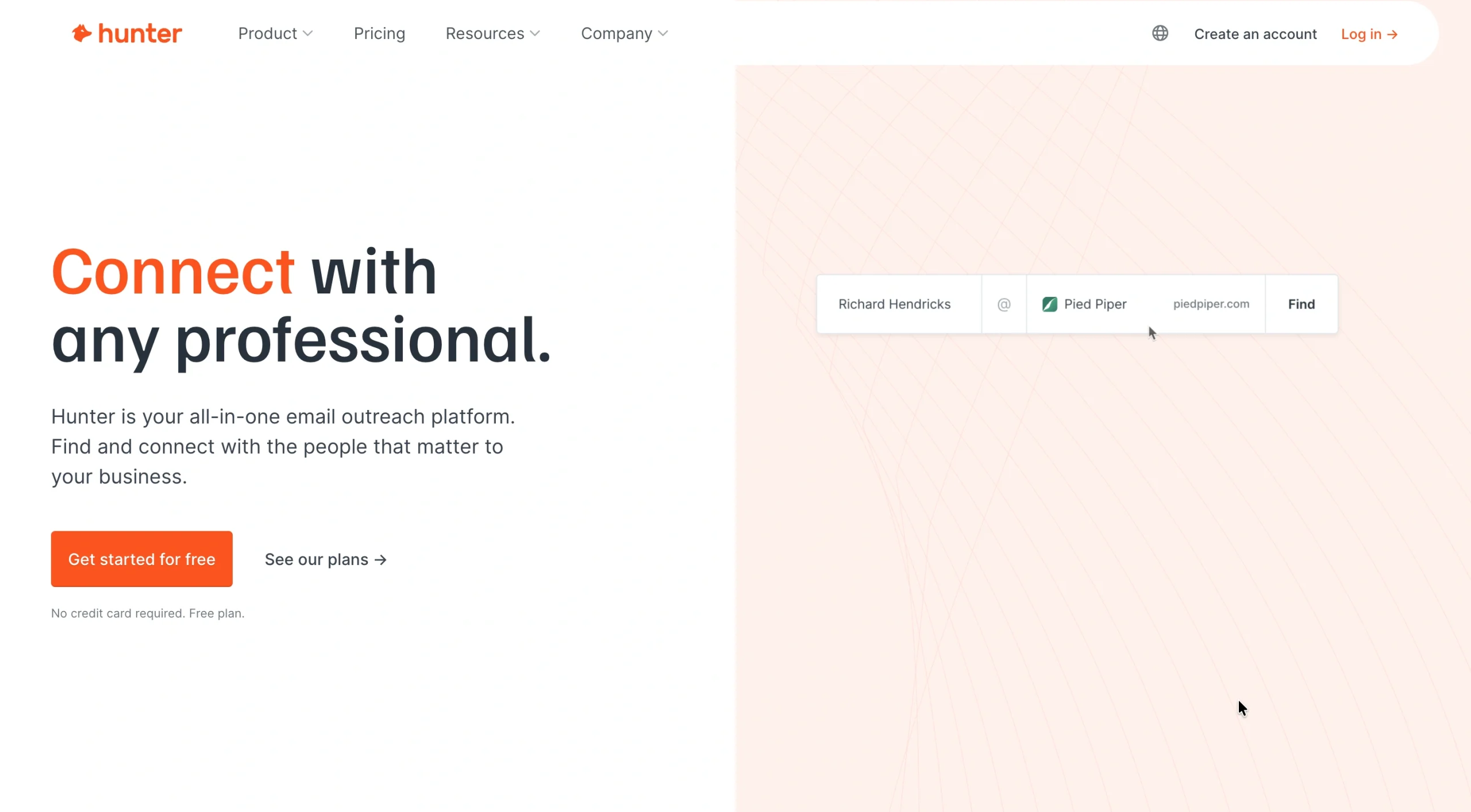
Hunter is one of the most straightforward contact-finding tools we’ve used. Give it a domain and it’ll surface email addresses associated with that company, along with names, job titles, verification information, and other useful details.
That makes it particularly useful once you’ve already built a list of link prospects using a tool like Ahrefs or Pitchbox.
Hunter has also expanded into a broader outreach platform, with lead discovery and email sequences now included alongside its core email-finding tools.
Key features:
- Domain Search. Enter a company domain to find associated email addresses and filter contacts by job title, department, location, verification status, and other criteria.
- Email Finder. Search for a specific person using their name and company to find a likely email address. Hunter automatically verifies Email Finder results.
- Email Verifier. Check an existing email address before adding it to an outreach campaign, helping reduce the chances of sending emails to invalid inboxes.
- Bulk searches. Upload lists of domains or contacts to find and verify email addresses at scale rather than checking prospects individually.
Drawback
Hunter works best when you already know the company or person you want to contact. It’s less useful for discovering new link prospects from scratch.
ContactOut
- Use case: Finding email addresses and phone numbers from LinkedIn profiles
- Pricing: Free plan available; Email plan currently from $49/month
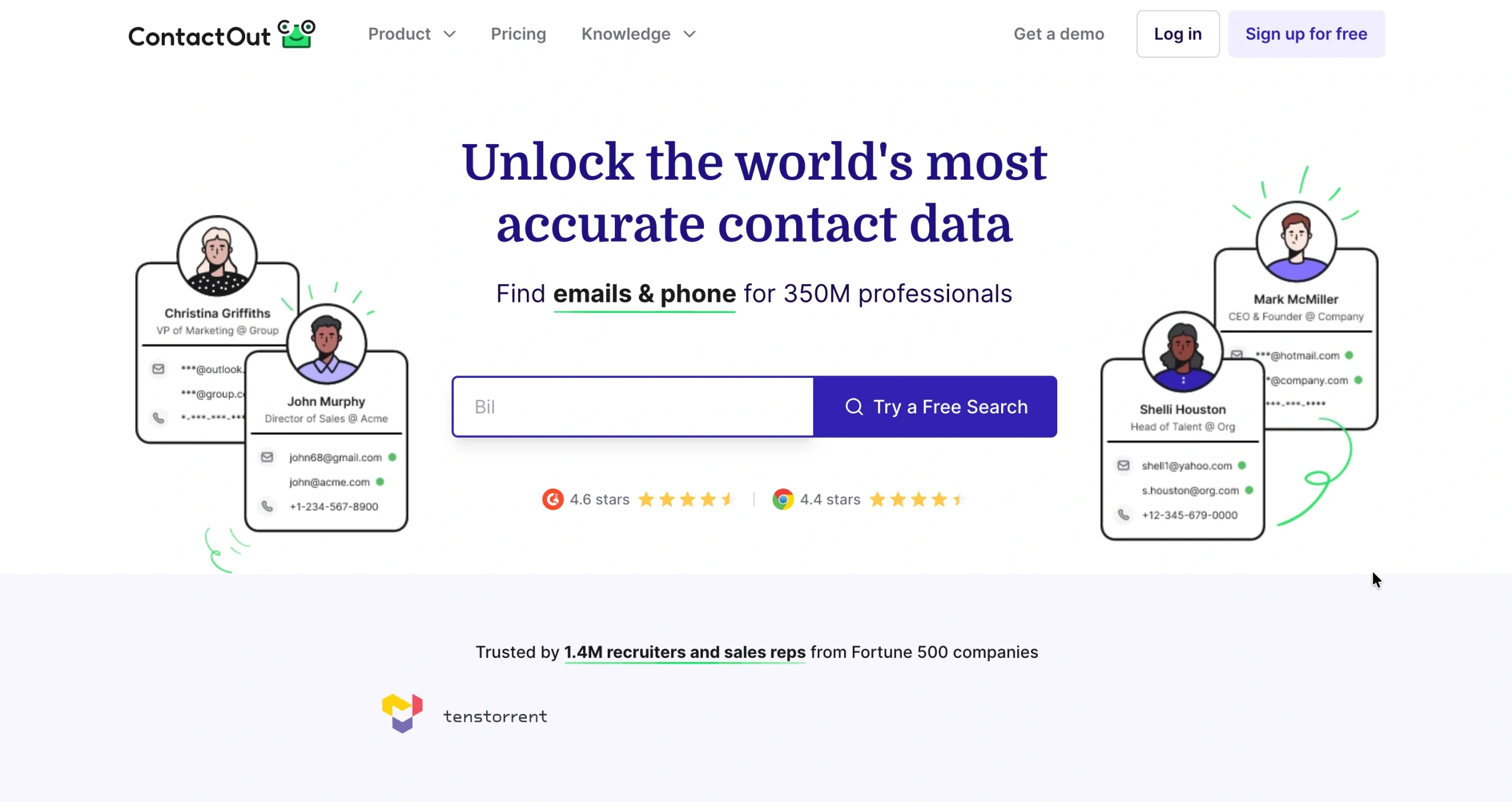
ContactOut is a similar tool to Hunter, but we use them slightly differently:
- Hunter works well when you’re starting with a company or domain.
- ContactOut is useful when you’re researching individual journalists, editors, marketers, or website owners on LinkedIn and want to turn those profiles into usable outreach contacts.
Its Chrome extension works directly on LinkedIn, allowing you to pull contact information from a prospect’s profile without jumping between different tools.
You can also send email campaigns directly through ContactOut, which is useful if you want to move from finding a contact to pitching them without exporting everything into another platform.
Key features:
- LinkedIn Chrome extension. Reveal available email addresses and phone numbers while viewing a prospect’s LinkedIn profile.
- Search Portal. Search ContactOut’s database directly when you don’t already have a specific LinkedIn profile.
- Bulk enrichment. Upload LinkedIn profile URLs and enrich them with profile, job, and contact information in bulk.
- Email campaigns. Build prospect lists and send email campaigns within ContactOut if you want to keep basic outreach within the same platform.
Drawback
ContactOut includes multi-stage email campaigns, but outreach isn’t as advanced as dedicated platforms like Pitchbox.
Its real strength is the connection between contact discovery and sending, making it useful for quickly turning LinkedIn prospects into outreach contacts rather than managing complex link building campaigns.
Need Help Turning Prospects Into Backlinks?
Finding prospects is only half the job. You still need a targeted link building strategy: creating pitches people actually want to respond to, and turning those conversations into actual placements.
If you’d rather have someone handle that for you, partner with a proven link building agency like Position Digital. We’ll manage the whole process, from prospecting and outreach to securing high-quality backlinks for your business.
Contact us today and let’s start earning backlinks that matter!